How a 3D explorer adds context to interactive materials
Brochures and renders can show a development beautifully while leaving spatial questions unresolved. Explore how a configured 3D experience could connect homes, districts and amenities, and what to consider before commissioning one.
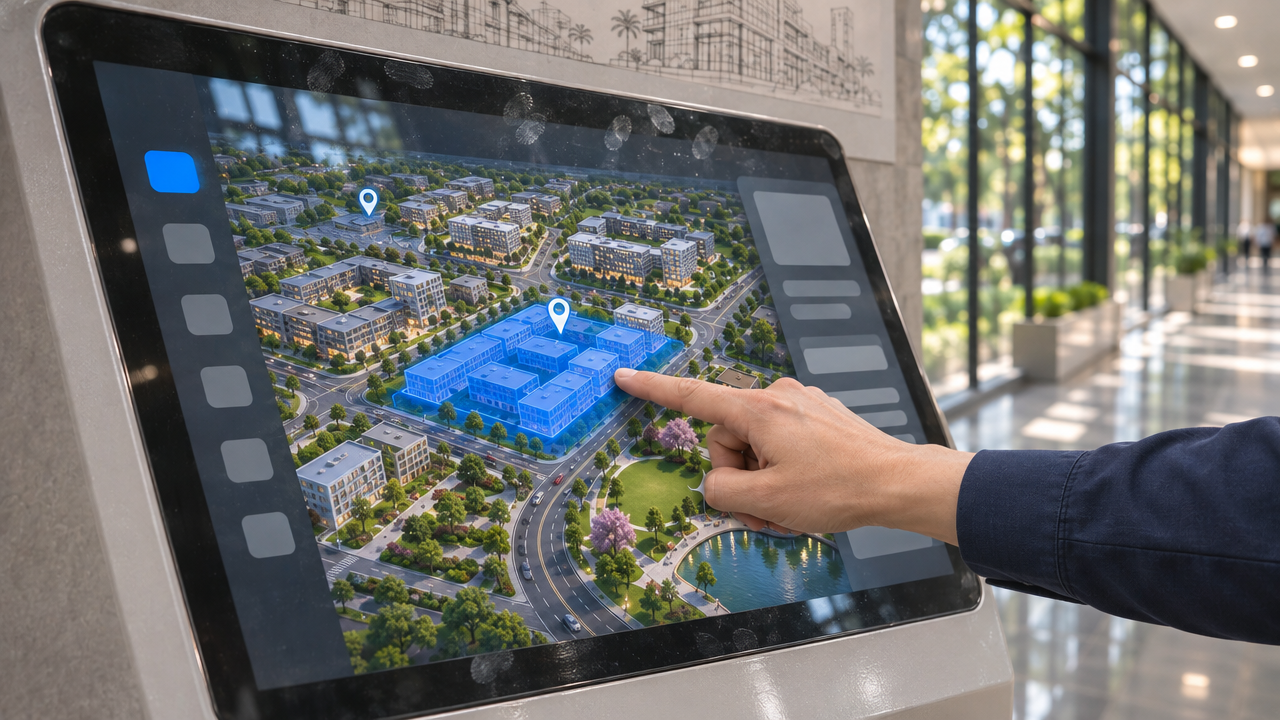
Why Do Brochures and Renders Fall Short for Large Developments, and What Does a 3D Explorer Change?
An appealing render can leave your buyer’s location question unanswered. Imagine a sales meeting: a prospect likes a home, then asks where it sits and what surrounds it. You turn to a map, then another image. The buyer still has to connect the place.
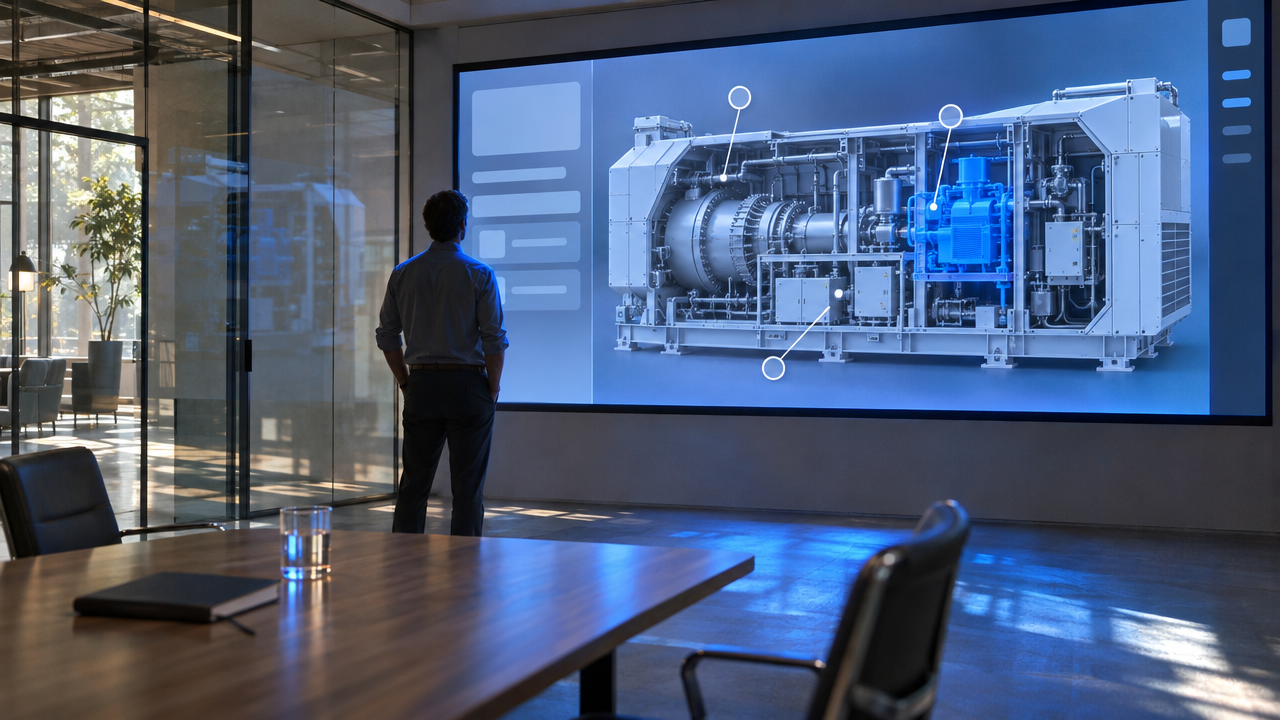
Why do brochures and renders leave questions about large developments?
Brochures and renders show selected views, leaving buyers to connect scale, relative location and everyday use themselves. They remain useful for imagery and specifications. The limitation appears when a question requires a viewpoint or relationship those materials weren’t designed to show.
A digital alternative to sales brochures should address those relationships, rather than simply put the same pages on screen.
What does a 3D sales presentation platform change?
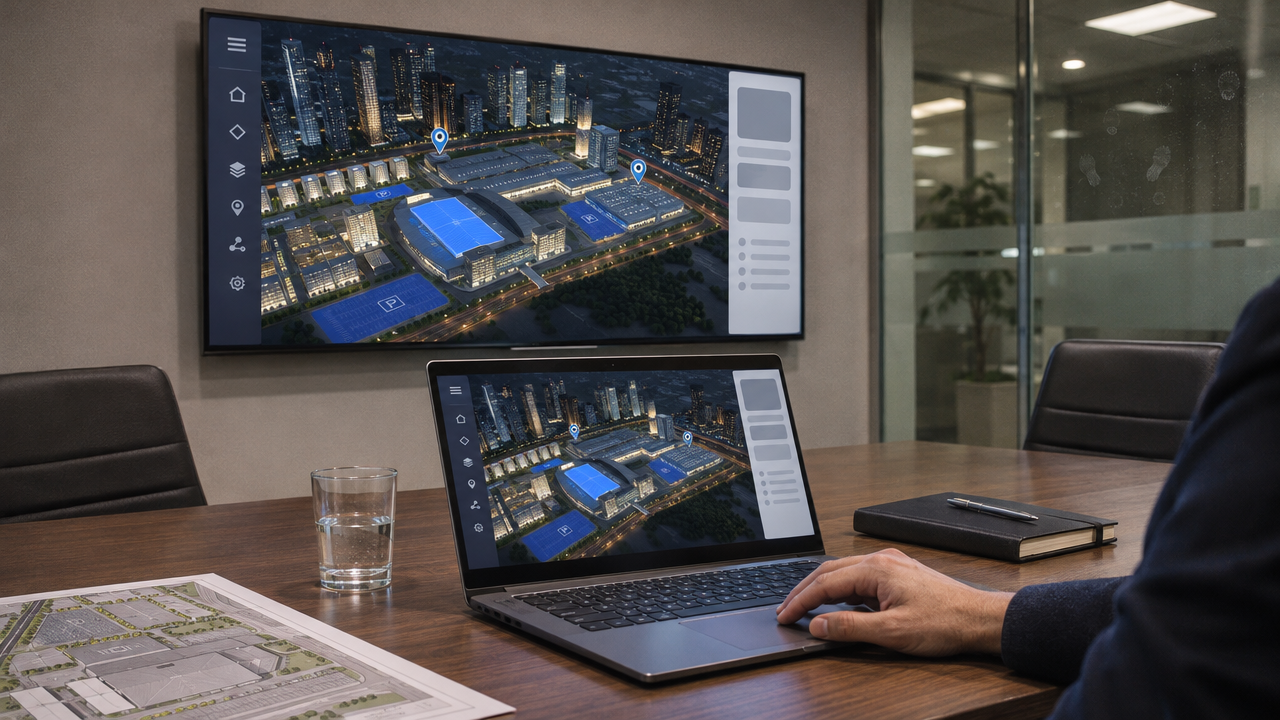
A 3D sales presentation platform lets you explore a configured environment and bring relevant sales materials into the conversation. PresentationOS, powered by MBLM, is the platform; an explorer is an experience configured using existing 3D assets.
PresentationOS documents interactive 3D controls including zoom, pan, tilt and highlighting, depending on configuration. Brochures and renders can remain supporting content. That relationship between exploration and sales materials is central to how PresentationOS works.
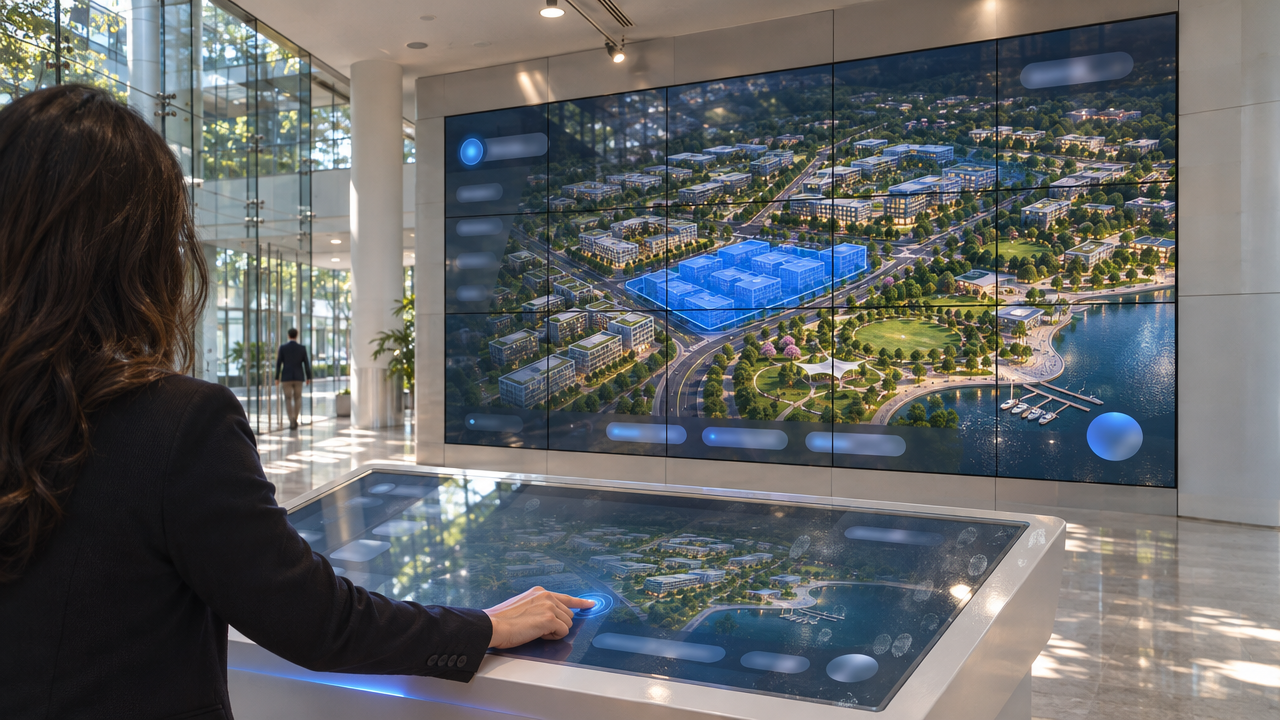
How would a Venue Explorer help explain Dubai Exhibition Centre?
A Venue Explorer could connect halls, proposed layouts, approved capacity information and nearby amenities within the wider site. The Dubai Exhibition Centre example supplied for this article is an illustrative application, rather than a verified description of deployed controls.
For an organiser, the decision concerns suitability for an event. A proposed layout could be considered alongside its approved capacity and relationship to surrounding spaces. The presentation would need to keep those details connected, without implying live availability, booking functionality or capacity figures that haven’t been approved.
Where can the explorer run, and how long should you allow?
PresentationOS supports iPad, videowall, kiosk and web delivery, with each experience configured for its setting. Its documentation covers sales centres, kiosks and video walls alongside tablet and website distribution.
An iPad could support a guided meeting, a videowall a group presentation, a kiosk self-directed exploration and the web remote access. These uses don’t imply identical interfaces or functionality. Configure and test the experience for each selected channel.
For timing, about 16 weeks with core assets available is the supplied planning assumption, pending project-specific confirmation. It’s neither a verified typical duration nor a delivery commitment. Before agreeing a schedule, review approved 3D assets, masterplan data, property or venue content, and reviewer availability.
Bring a real development or venue sales question to a demonstration at presentationos.com.