What Is PresentationOS, and How Does It Help Buyers Explore Properties, Venues, and Products in 3D?
Understand how PresentationOS connects interactive 3D environments with sales materials, where the platform can run, and what to consider when planning an explorer for a venue or property development.

PresentationOS lets sales teams show every property, venue and product in its real setting.
MBLM’s PresentationOS platform is an interactive 3D sales presentation platform that combines explorable visual experiences with centralised marketing and sales materials. It helps teams explain complex offerings by moving from a wider environment to individual spaces, properties, or products.
That’s its role in sales enablement: giving your team tools and materials to explain an offering. For venues and developments, the asset’s surroundings belong in that explanation.
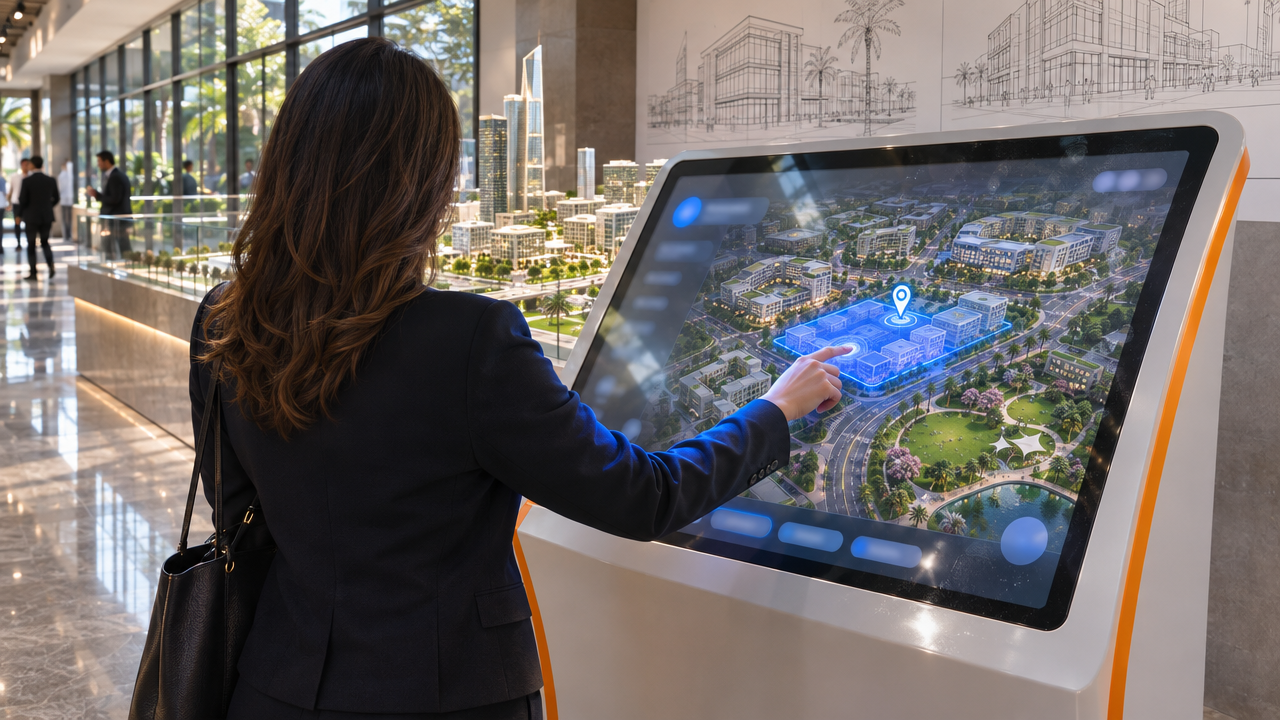
How does an interactive 3D explorer show an asset in context?
An interactive 3D explorer is a navigable representation that lets users inspect a larger environment and its individual elements. PresentationOS supports movement from broad views to specific offerings, alongside relevant presentation materials.
Its interactive 3D models support controls including zoom, pan, tilt, animation, and highlighting. The available interactions depend on the configured experience.
In a hypothetical venue presentation, you might begin with the whole site, focus on a hall, then open supporting material about that space. A property conversation could move from a development overview towards a particular building.
The point is to keep the buyer’s question connected to its physical context. “Where it lives” means the asset’s relationship to its surroundings, rather than live location tracking.
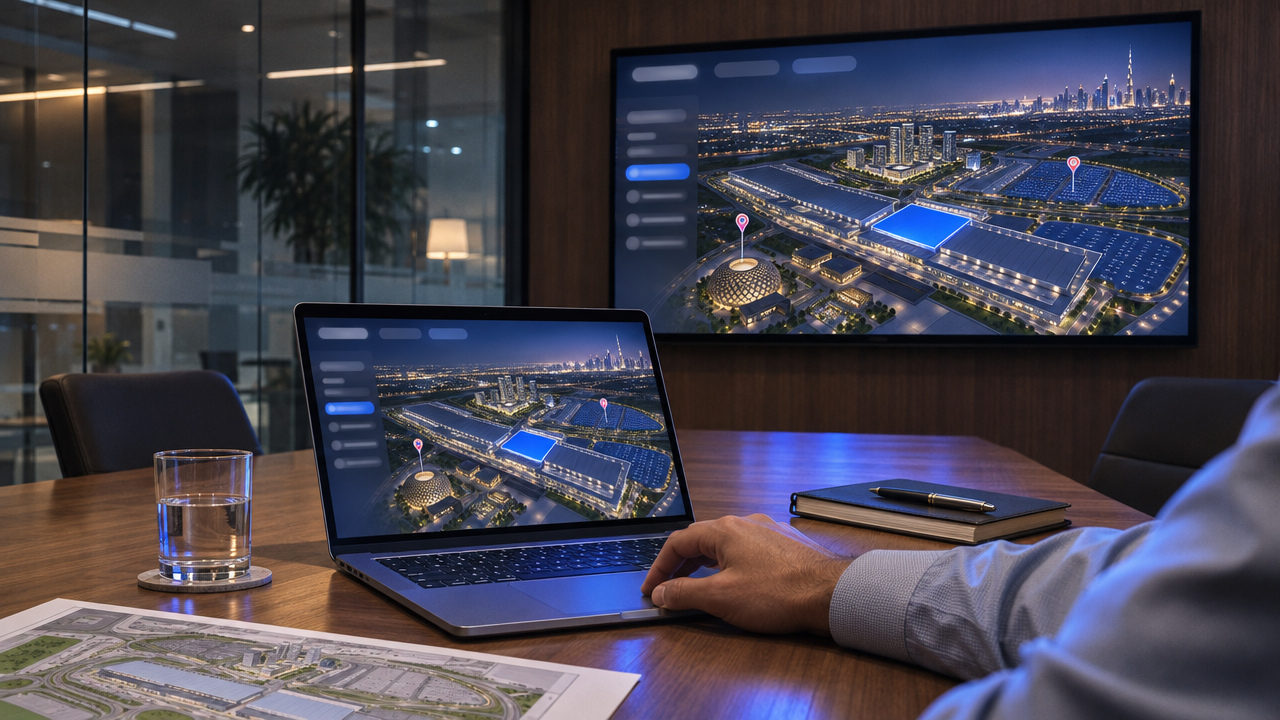
How does PresentationOS work across different applications?
PresentationOS supports delivery across these environments, with the experience configured for the intended setting. Its documentation describes content distribution to websites and iPads, as well as sales centres, kiosks and video walls.
- Environment
- Illustrative application
- iPad
- Presenter-led buyer conversation
- Videowall
- Group presentation in a sales centre
- Kiosk
- Touchscreen exploration in a showroom
- Web
- Browser-based 3D exploration for remote prospects
Choose the screen around the conversation you need to support. A guided meeting and a self-directed showroom visit call for different presentation choices; supported delivery across devices doesn’t mean identical interfaces or capabilities.

What do the different applications for our clients demonstrate?
Our applications frame two relevant sales questions: how to explain a venue’s spaces, and how to explain a property within a larger city development. The applications below are illustrative, rather than verified descriptions of deployed functionality.
For a venue such as Dubai Exhibition Centre, a useful explorer would help a prospective organiser understand how a space relates to the wider site. That’s the venue-sales task to evaluate in a demonstration, without assuming particular controls, booking functions, or commercial results.
How is PresentationOS configured, and how long does launch take?
A customised explorer needs a scoped delivery plan; there’s no verified universal launch timeline. Agree timing after reviewing the available content, required interactions, and target environments.
For planning purposes, use this discussion sequence:
- Define the sales task. Agree which assets buyers need to understand, who will present them, and which screens matter.
- Review existing content. Identify the available 3D assets and supporting materials, along with gaps requiring production or approval.
- Scope the experience. Agree the views, interactions, and supporting content needed to answer priority buyer questions.
- Plan testing and launch. Allow for review on the selected devices and preparation for the presenting team.
Treat this as a recommended planning checklist, rather than a documented standard delivery methodology. Ask for an implementation estimate tied to your scope and content readiness. Basic platform provisioning and delivery of a customised explorer are different commitments.
Where can you see PresentationOS in action?
Visit presentationos.com to explore the platform and book a live demo. Bring a real sales question so you can assess how the experience would help your buyers understand both the asset and its surroundings.